Multi-wallet crypto tracker

Crypto Portfolio for
PulseChain, Ethereum & More

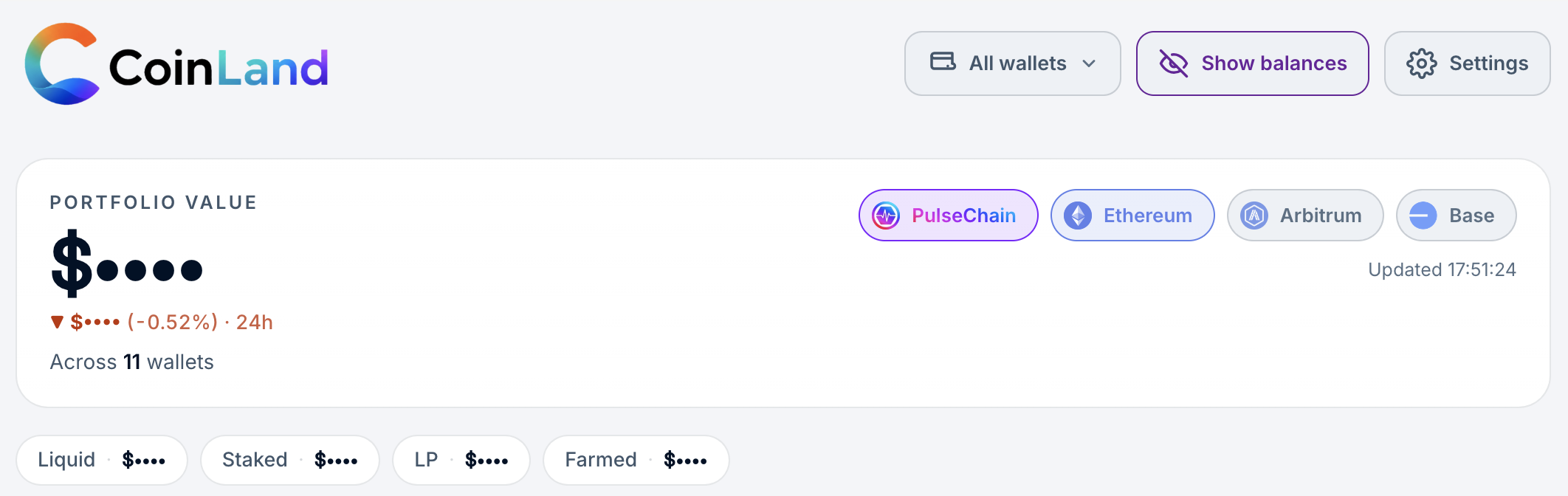
Track multiple wallets across PulseChain, Ethereum, Arbitrum and Base, monitor HEX stakes, view token balances, portfolio performance in a secure watch-only dashboard.
Supported networks
PulseChain PulseChain
Ethereum
Arbitrum
Base
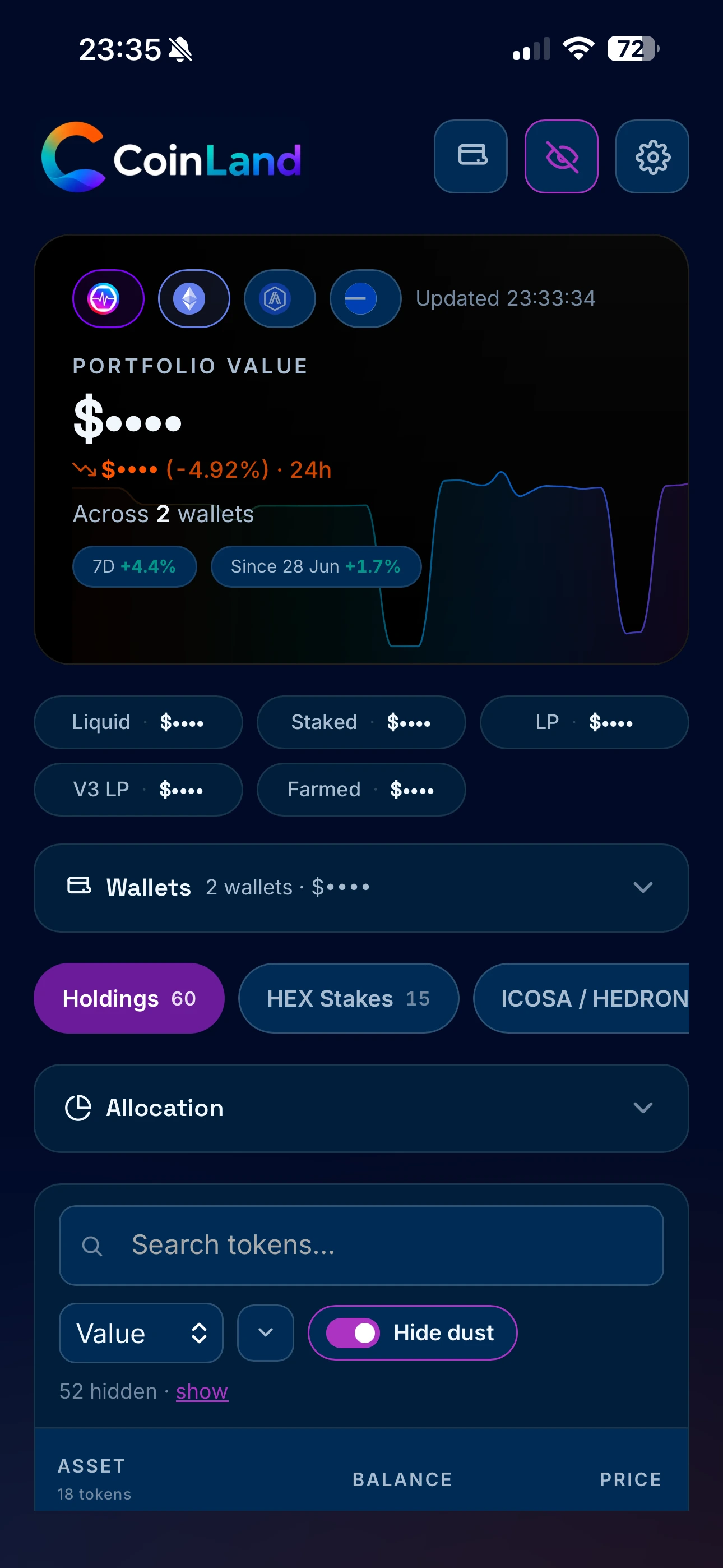
CoinLand portfolio dashboard on a phone showing wallet balances and HEX stakes
Wallets tracked simultaneously
0
Sign-ups or accounts needed
3+
Stake types: HEX · HDRN · ICSA
PWA
Installable on phone & desktop
Features

Everything you need,
nothing you don’t

CoinLand reads live on-chain data so your balances are always current - no wallet connection, no account syncing, no delays, no middlemen.

Multi-wallet tracking

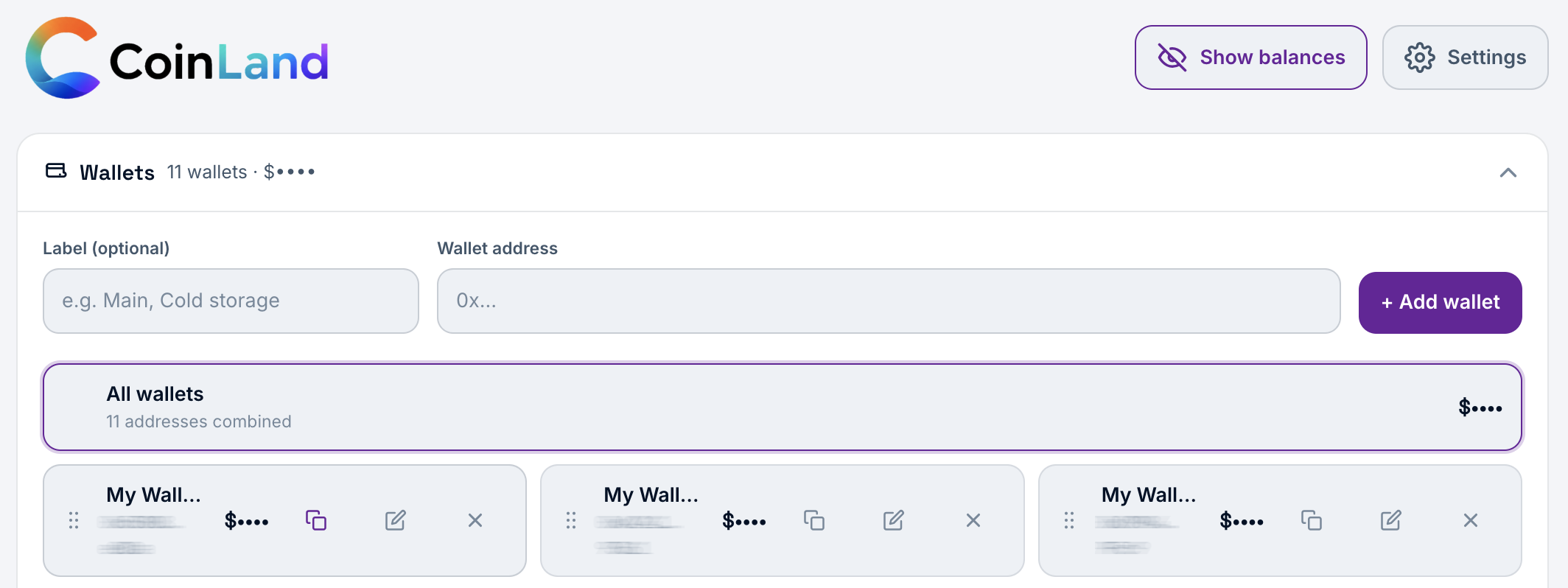
Add unlimited addresses with custom labels. View them consolidated or filter down to a single wallet in one click.

Allocation donut

Visual breakdown of your full portfolio so you always know exactly where you’re exposed, at a glance.

HEX · HDRN · ICSA · WAATSA stakes

All active stakes surface alongside your liquid holdings with real-time USD values, directly from on-chain data.

Portfolio history

A value-over-time sparkline that grows locally with every refresh. No server, no sync, just your browser.

Multi-currency display

Switch between USD, EUR, GBP and more on the fly. Live FX rates keep your values accurate anywhere in the world.

PWA - install anywhere

Add to your home screen on iOS or Android. Opens full-screen, respects your system dark/light mode, loads instantly.

HEX stakes
HDRN stakes
ICSA stakes
WAATSA stakes

Your keys never leave your device

CoinLand is a read-only tracker. Wallet addresses live in your browser’s localStorage and are never transmitted anywhere. No accounts, no email, no tracking beyond anonymous Vercel analytics.

Watch-only - paste addresses, never private keys
All wallet data stored locally in your browser
Reads only public on-chain & price API data
Backup & restore your wallet list as a JSON file
Open-source - audit every line on GitHub

Start tracking in seconds

Paste a wallet address. Your full portfolio appears instantly.
No approval, no waiting, no account, no wallet connection needed.

Open CoinLand →

On mobile: Share → Add to Home Screen for the native app experience

Live PulseChain Ecosystem Stats

Real-time prices for PLS, PLSX, HEX, eHEX, INC and PRVX, plus network-wide HEX staking data, updated every 60 seconds.

PLS$0.0589745.46% PLSX$0.0576197.58% HEX$0.00250821.99% eHEX$0.000974546.62% INC$0.42822.85% PRVX$0.04934.44%
Open the Ecosystem Dashboard →

Live via DexScreener · same data CoinLand's own portfolio tracker uses

FAQ

Questions, answered

Everything you need to know before you paste your first address - how CoinLand works, and why your keys stay yours.

Getting started

How do I start tracking a wallet? Just paste any PulseChain or Ethereum address
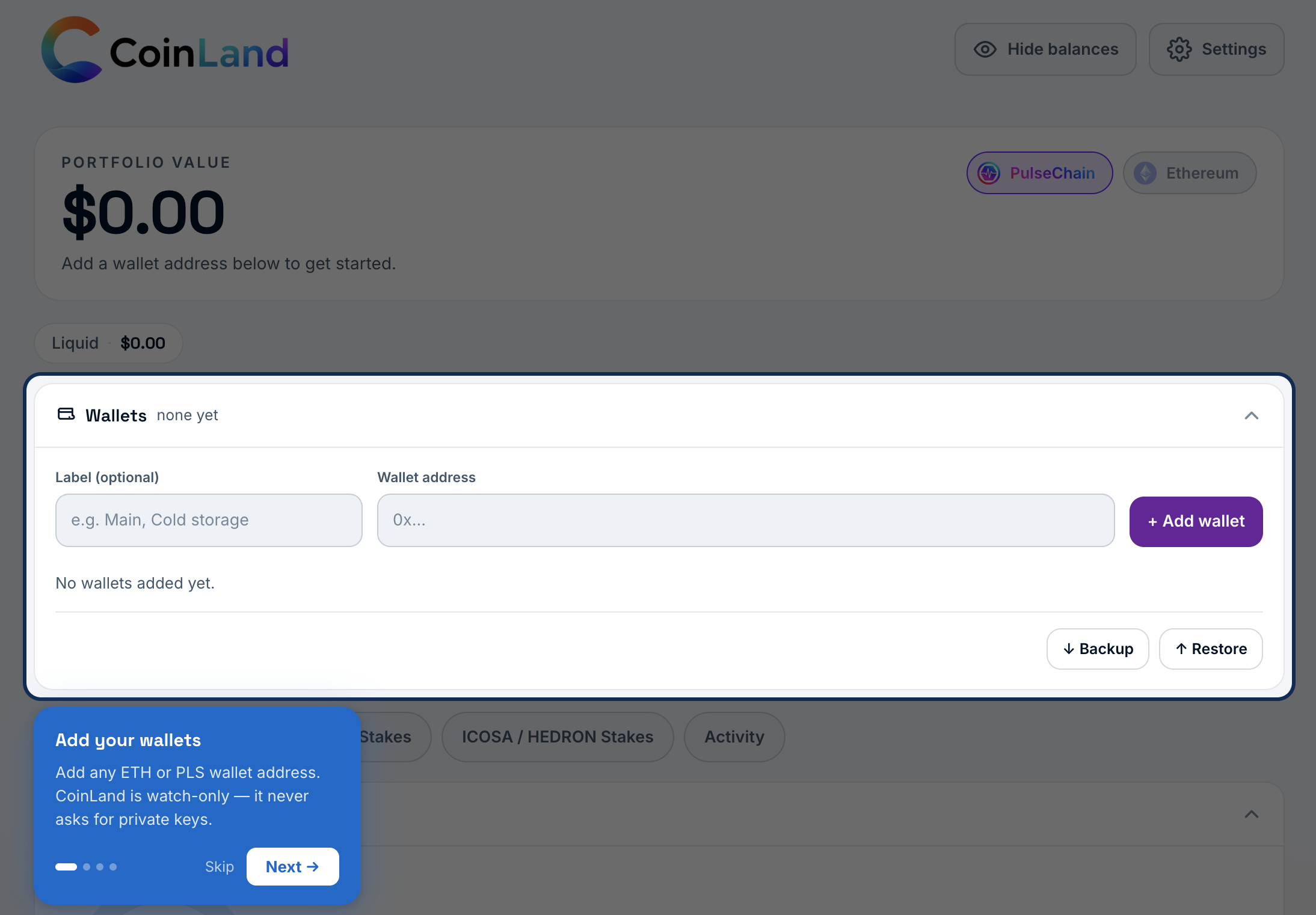
Just paste any PulseChain or Ethereum address - no sign-up, no email, no password. CoinLand reads the public address and shows balances, prices, and stakes in seconds.
Do I need to create an account?
No. There’s no sign-up and nothing to log into. Add an address and you’re tracking immediately; your setup lives right in your browser.
Can I track more than one wallet? Yes - add as many addresses as you like and CoinLand combines them into one portfolio view
Yes - add as many addresses as you like and CoinLand combines them into one portfolio view, with a per-wallet breakdown when you want the detail.
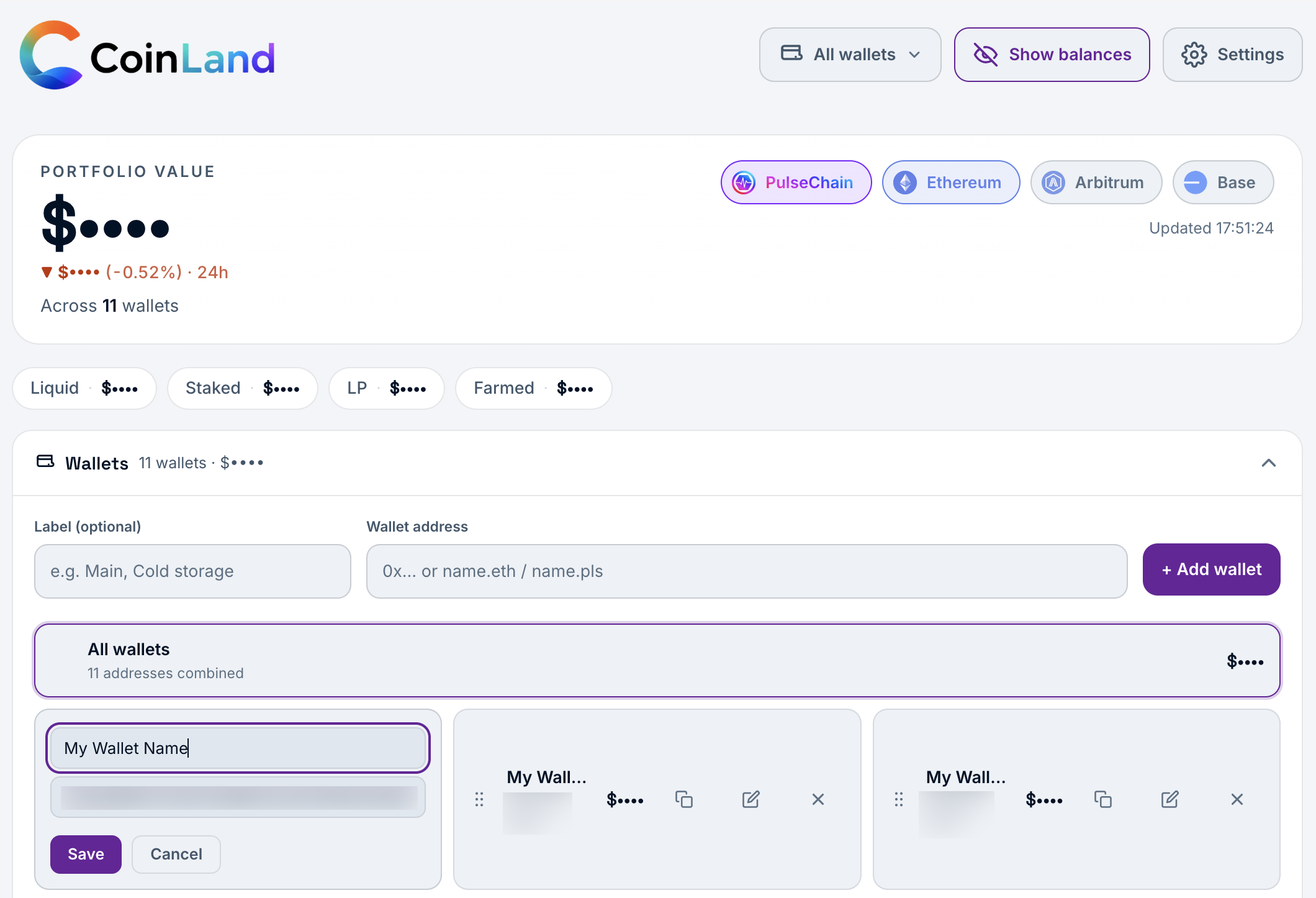
Can I rename or reorder my wallets? Rename, reorder, and label your wallets under Settings -> Wallets
Yes - give each wallet a label, drag to reorder them, and CoinLand resolves ENS and .pls names automatically when you add one, so you’re not stuck reading raw addresses.

Security & privacy

Is it safe? Do you ever see my private keys?
CoinLand is watch-only. You only ever enter a public address - never a seed phrase or private key. There’s nothing to steal, because the app can’t move funds, only read balances.
Where is my data stored?
Everything stays on your device, in your browser’s local storage. Your wallet list never touches a server, so clearing your browser data or switching devices means starting fresh.
Is CoinLand free and open-source?
Yes - it’s free to use and open-source, so anyone can inspect exactly what it does.
Can I hide my balances? Tap the eye icon to blur every value on screen
Yes - tap the eye icon in the top bar to blur every value on screen. Handy for screenshots or screen-sharing without exposing amounts.

Features

Which chains and tokens are supported? Supported chains Pulsechain and Ethereum including their token balances
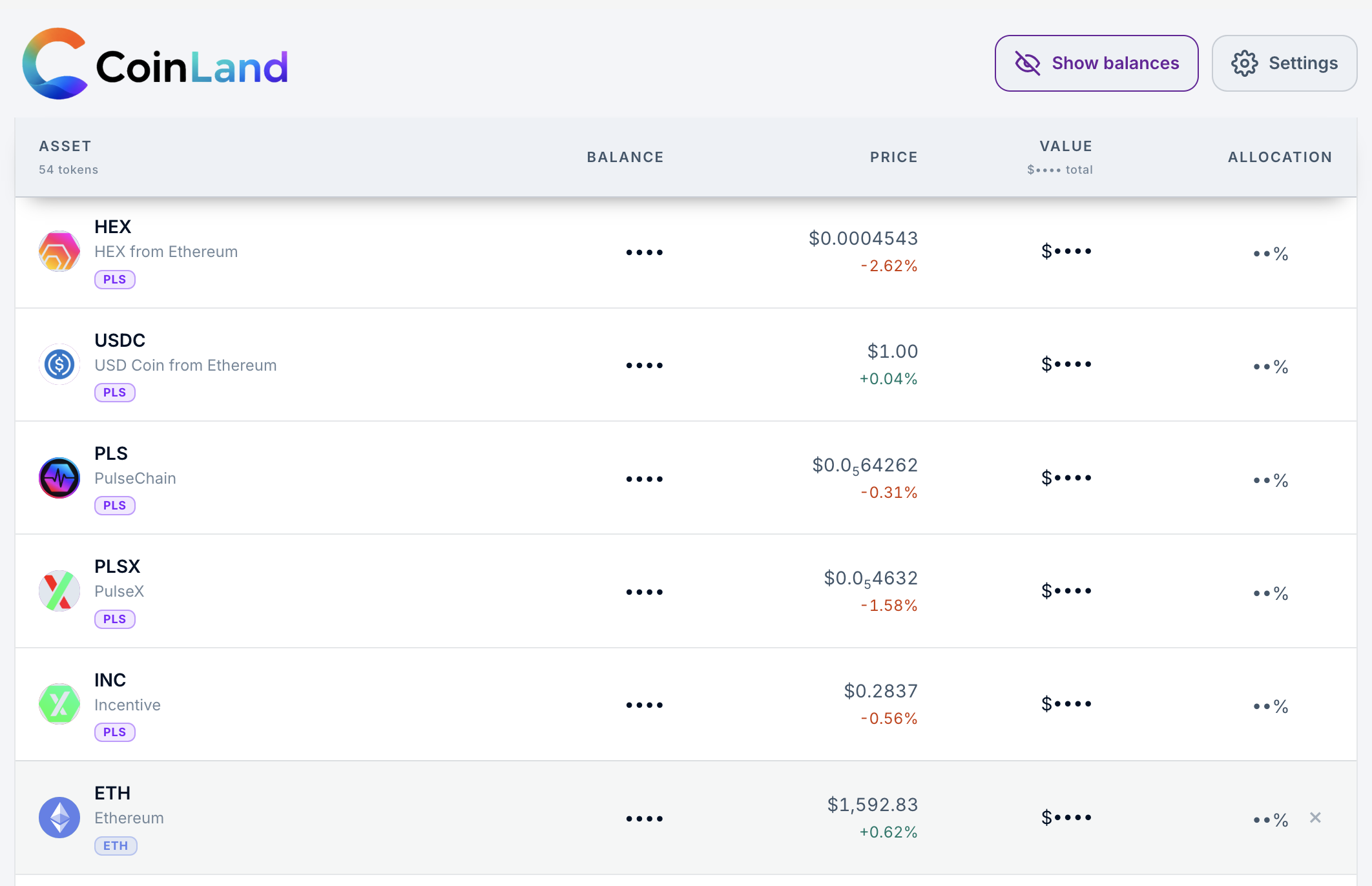
PulseChain, Ethereum, Arbitrum and Base, including their token balances and live prices, all in a single dashboard.
Does it track HEX stakes? Hex Stakes
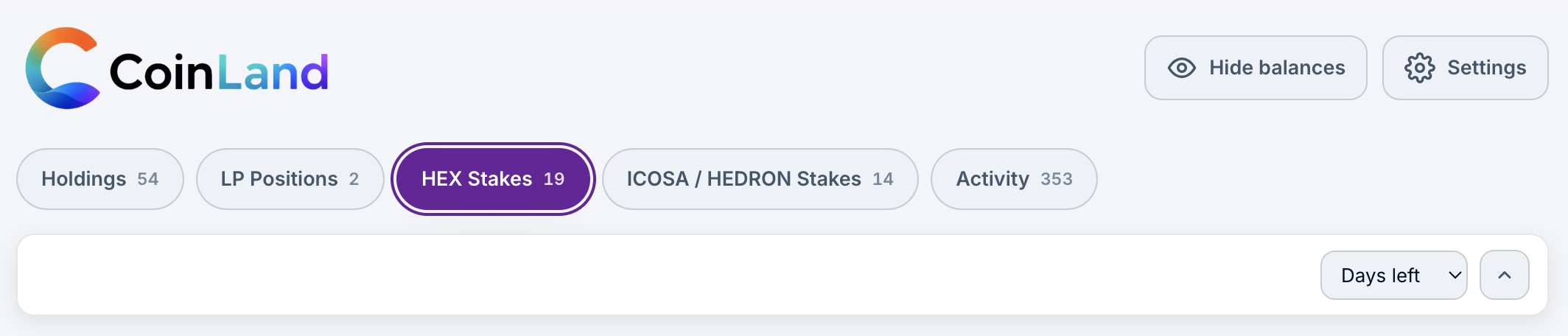
Yes - CoinLand surfaces HEX, HDRN, ICSA and WAATSA stakes alongside your liquid balances, so you see your full position in one place.
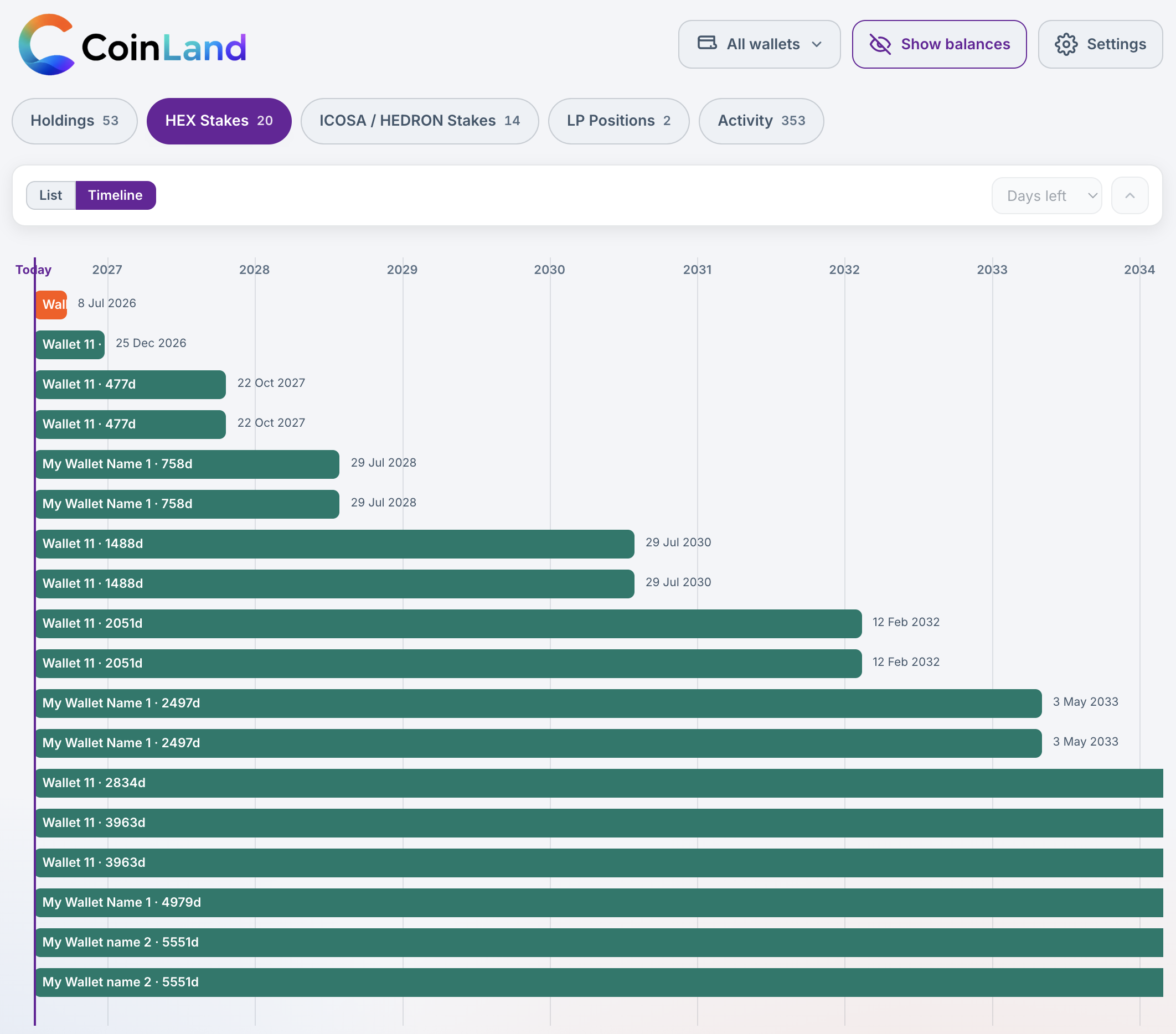
Can I see when my HEX stakes end? A timeline view plots every HEX stake by end date, colour-coded by how soon it ends
Yes - switch to the Timeline view in HEX Stakes to see every stake plotted on a calendar, colour-coded by how close it is to its end date, so you can plan around upcoming unlocks at a glance.
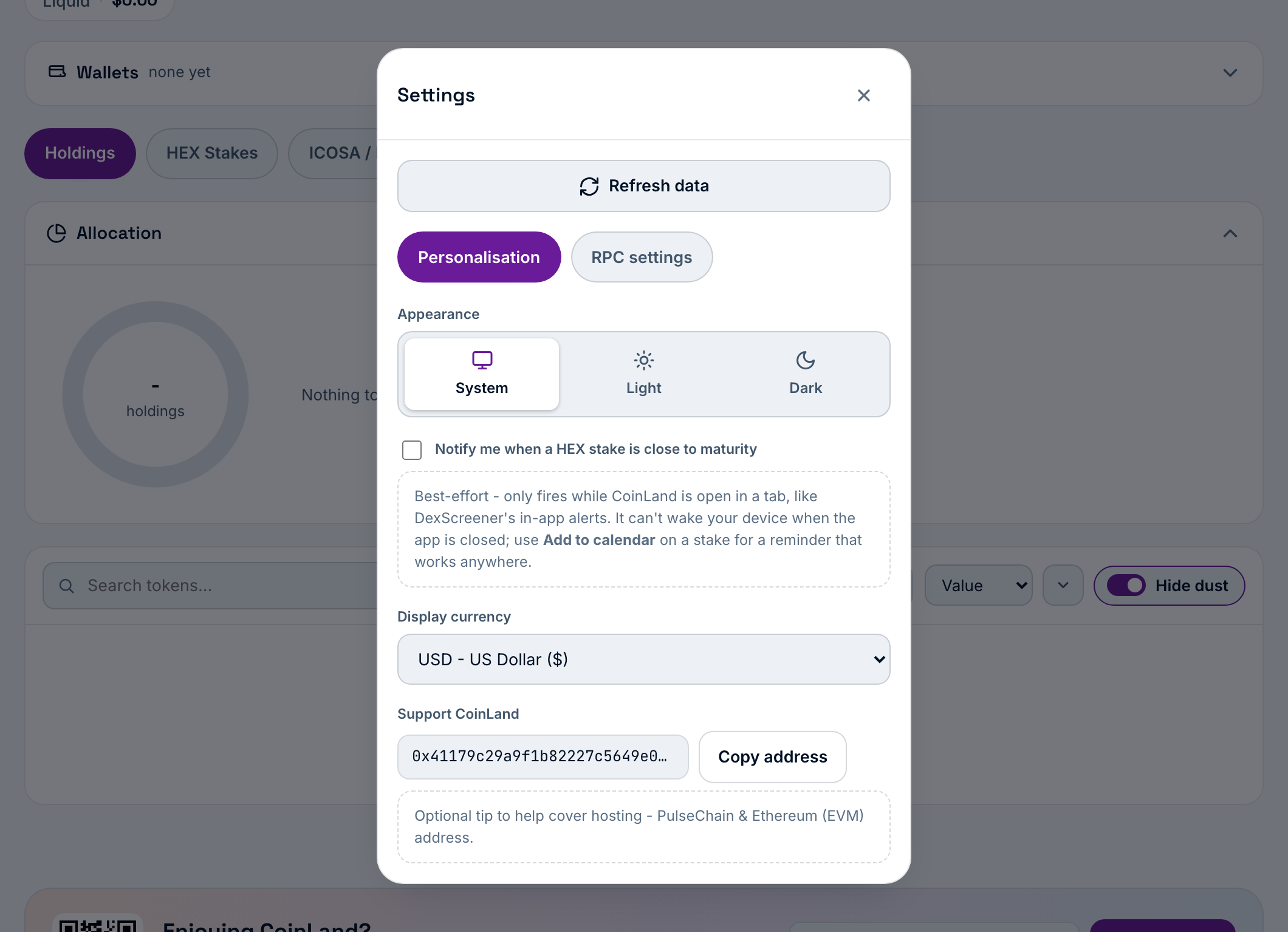
Can I get notified before a stake matures? Turn on HEX stake maturity notifications under Settings -> Personalisation, and add a stake to your calendar
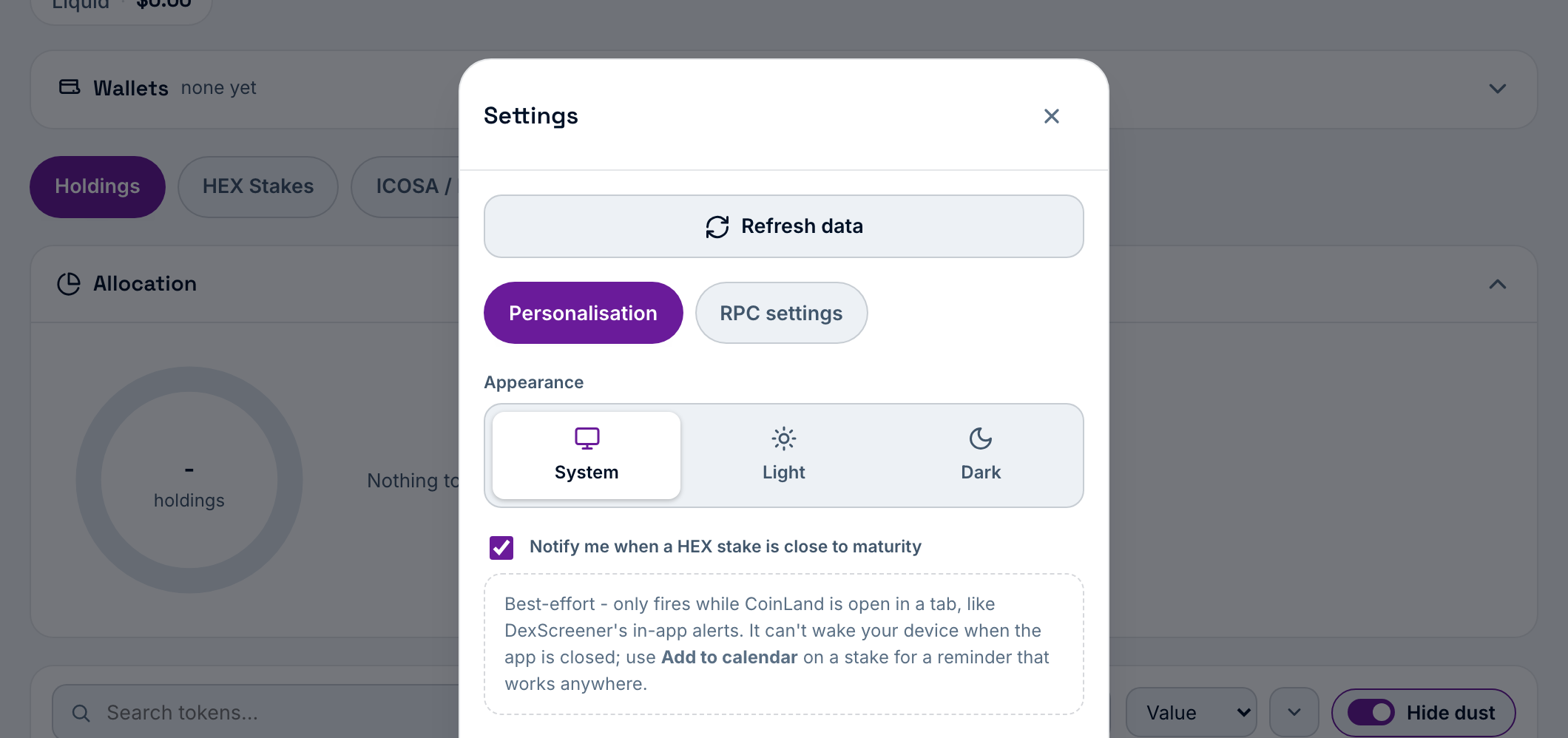
Yes - two ways. Turn on stake alerts under Settings -> Personalisation for a best-effort browser notification while CoinLand is open in a tab, or tap Add to calendar on any stake to download a reminder that works even after you close the app.
What about HDRN, ICSA and WAATSA stakes specifically? WAATSA stake detail shows the NFT image, accrued yield, points, and start date
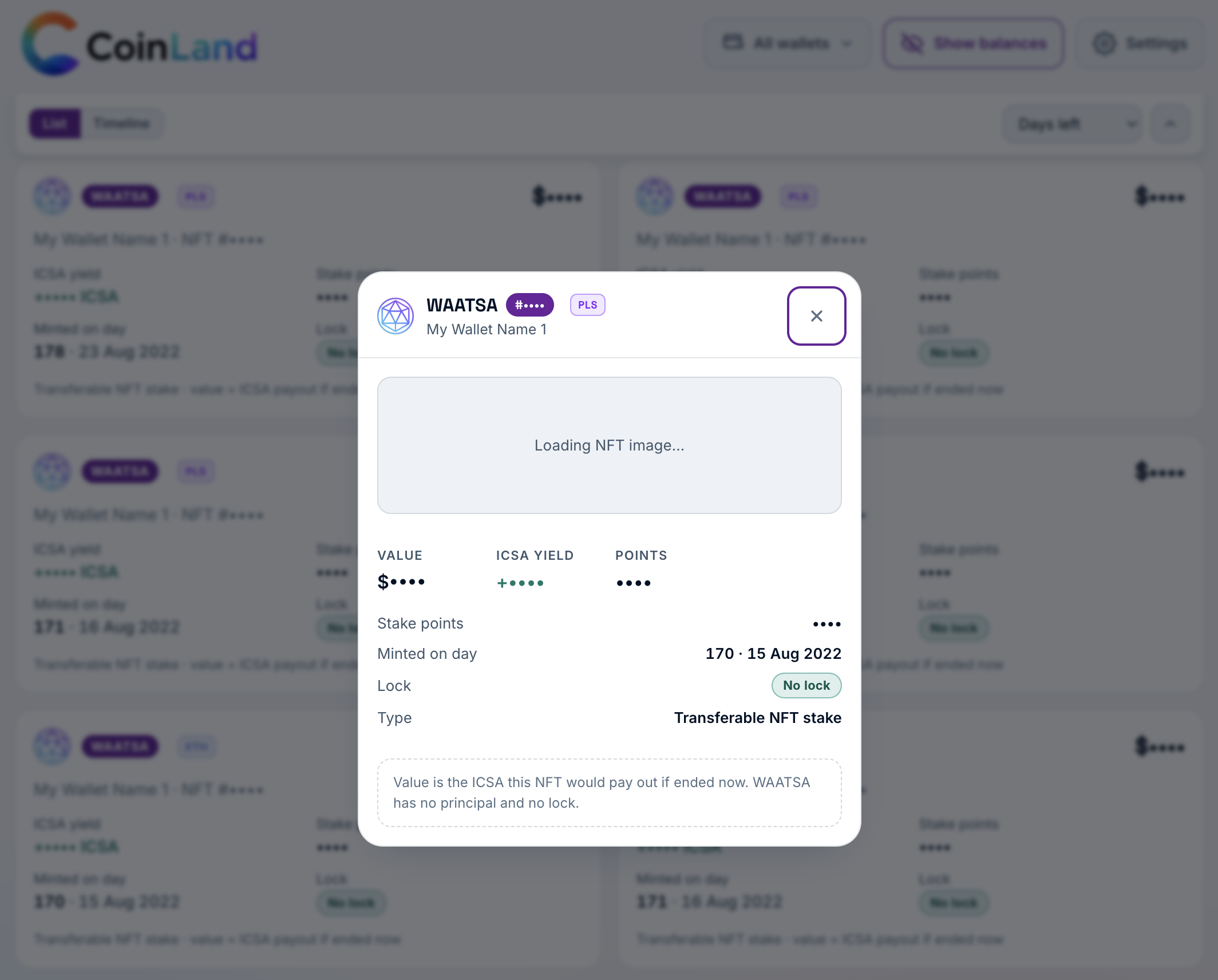
CoinLand tracks Hedron (HDRN) and Icosa (ICSA) staking in full, plus WAATSA positions with their NFT artwork, accrued yield, points, and start date. WAATSA holdings barely show up anywhere else, so this is often the easiest place to check them.
Do you track stakes made through Actuator Finance? HEX stakes made through Actuator Finance are detected automatically and marked with an HTT chip
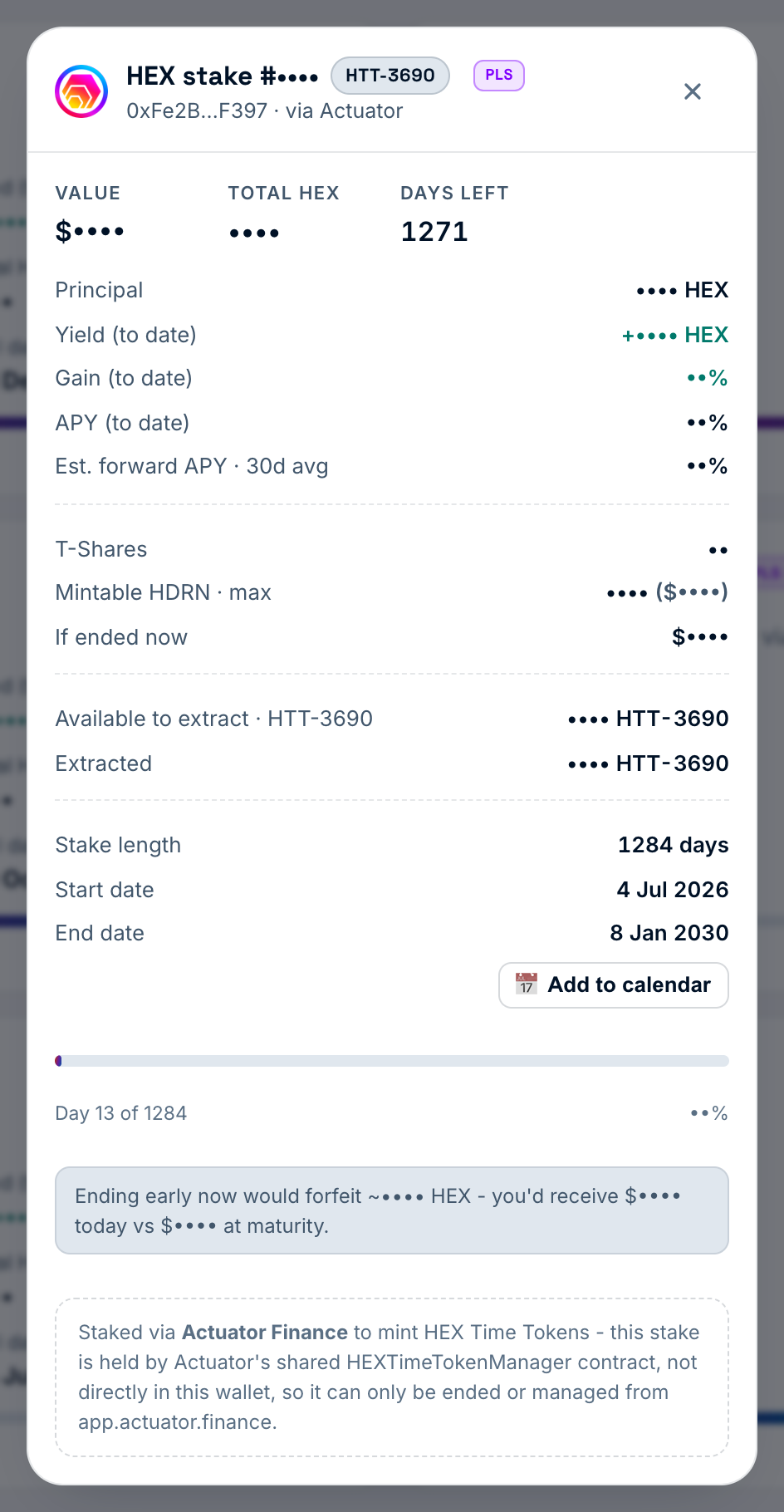
Yes - HEX staked through Actuator Finance to mint HEX Time Tokens (HTT) is detected automatically and marked Actuator, right alongside your native stakes, with extractable and already-extracted HTT shown in the detail view. These stakes sit in Actuator’s shared contract, so ending or managing one still happens on app.actuator.finance - CoinLand is watch-only here too.
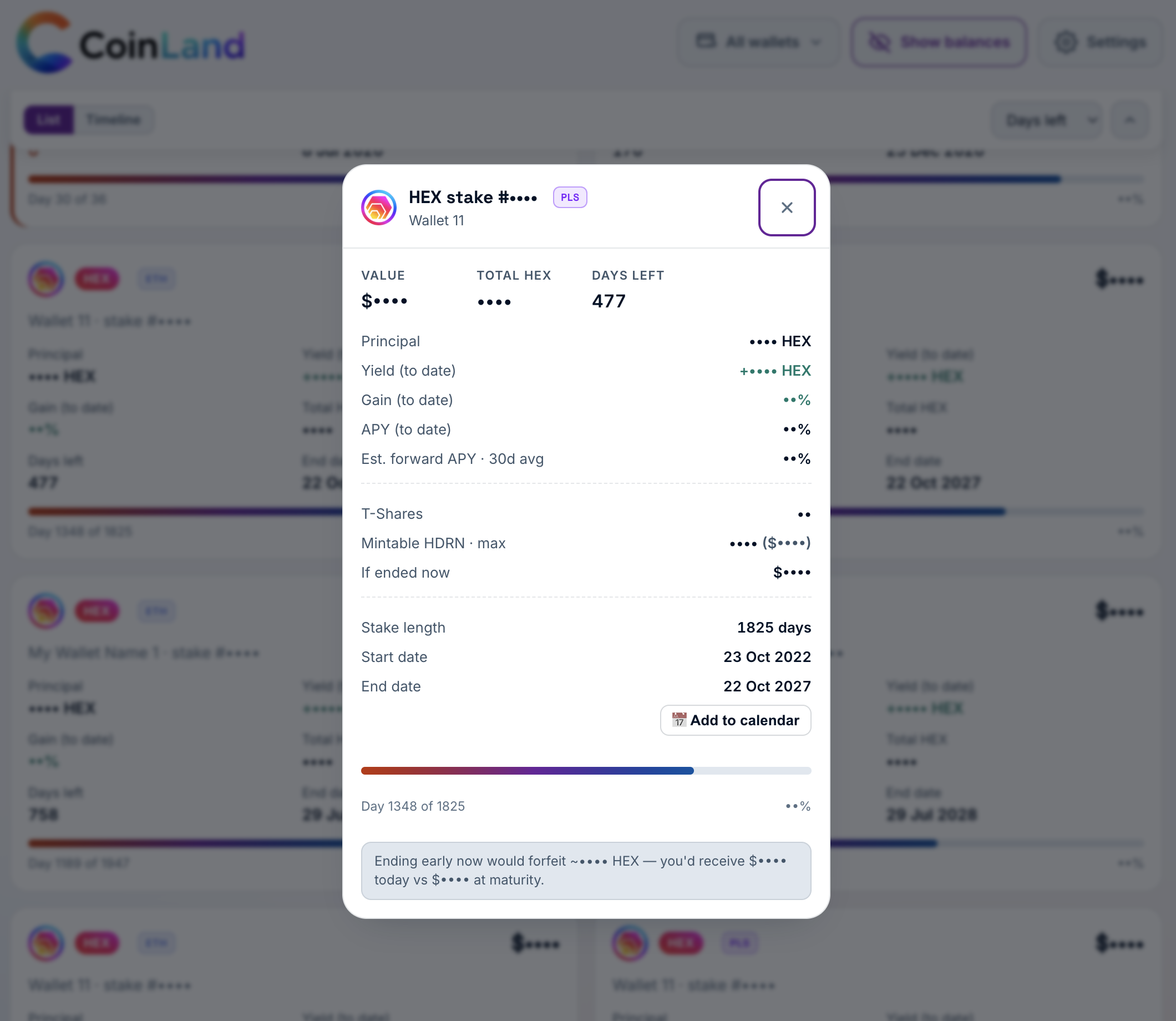
Can I estimate my staking returns? HEX stake detail shows a forward ROI estimate, and farm cards show annualised APR
Yes - HEX stake detail includes a forward ROI estimate based on a 30-day rolling average payout rate, and farm cards show annualised APR based on current pool emissions, so you get a live read rather than a static number.
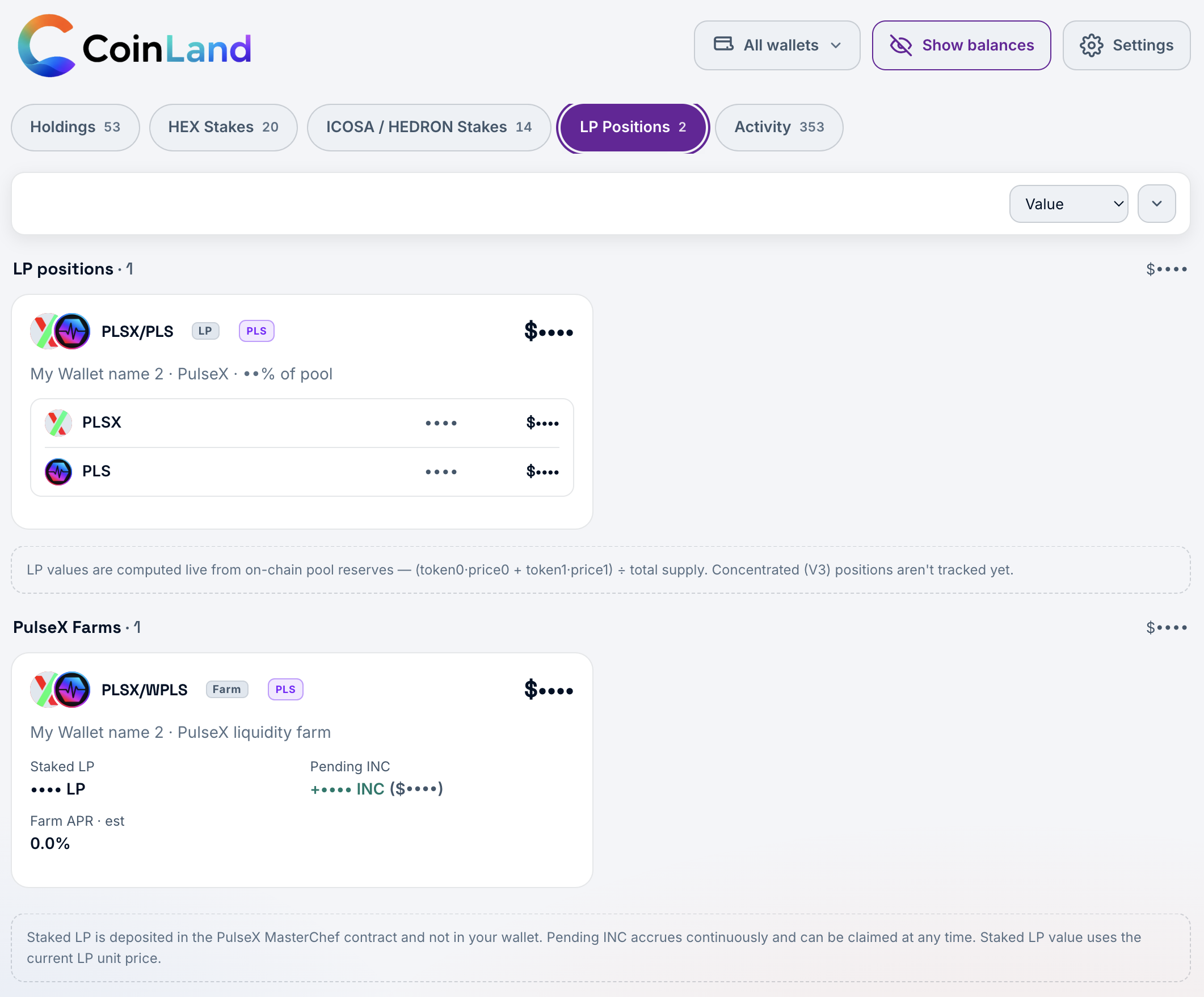
Can I track LP and farm positions? Liquidity pool positions and PulseX farms show up alongside your tokens and stakes
Yes - liquidity pool positions and PulseX farms show up alongside your tokens and stakes, with pooled token amounts, USD value, and annualised farm APR where it applies.
Do you support concentrated liquidity (V3) positions? Uniswap V3, 9mm V3 and LibertySwap V3 liquidity positions show price range and a liquidity histogram
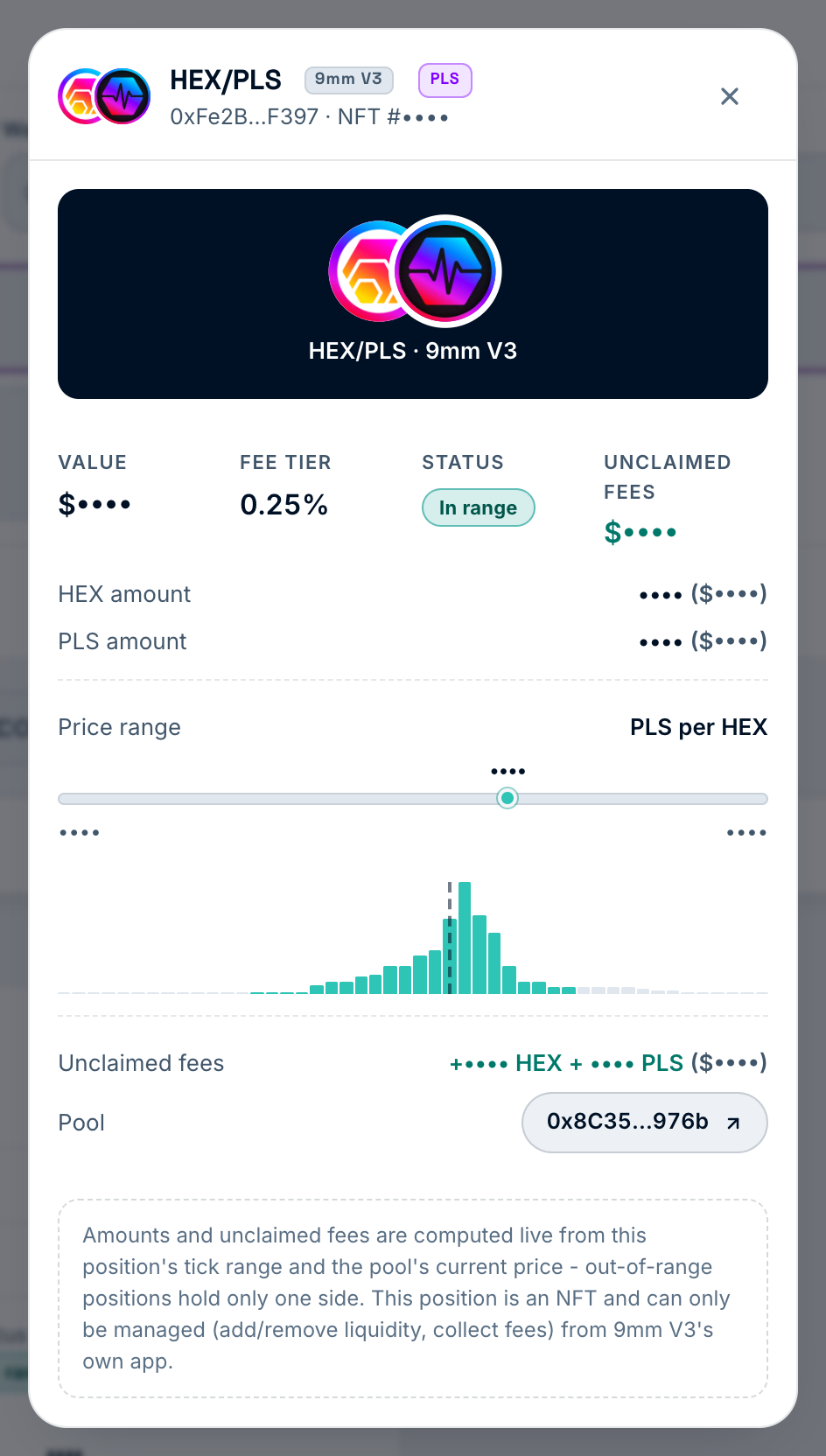
Yes - Uniswap V3, 9mm V3 and LibertySwap V3 positions are tracked individually as the NFTs they are, each with its price range, live in-range / out-of-range status, a liquidity distribution chart, and unclaimed fees. Adding or removing liquidity still happens in the DEX’s own app - CoinLand just gives you the read.
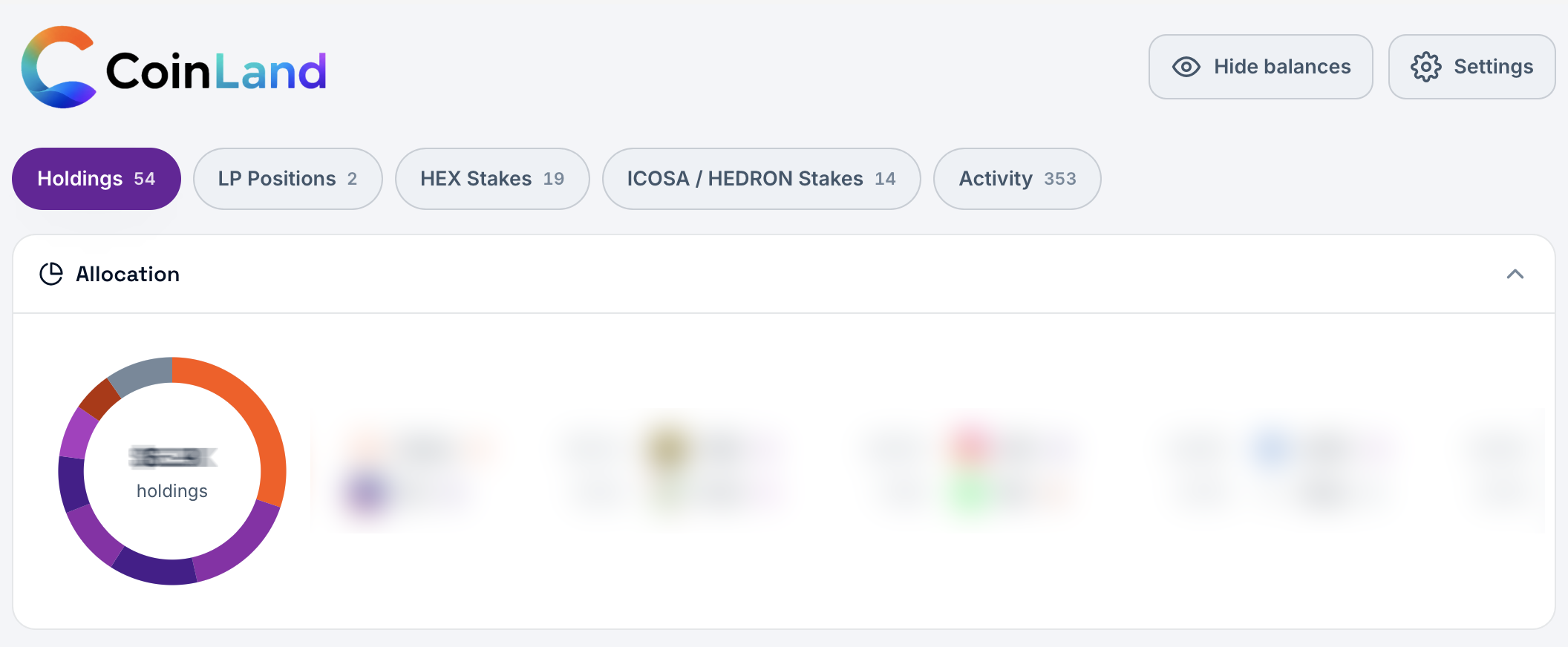
Can I see how my portfolio is split? The allocation donut breaks your holdings down by token at a glance
The allocation donut breaks your holdings down by token at a glance, so you can spot concentration instantly.
Can I view my portfolio over time?
Yes - portfolio history charts how your total value has moved, not just where it stands today.
Can I view values in my own currency? Settings -> Personalisation -> Display currency - to see your portfolio in the currency you think in
Under Settings -> Personalisation, switch the display currency to see your portfolio in the currency you think in.
Can I export my activity for tax software? Export your transaction history as a Generic CSV or a Koinly-formatted CSV from the Activity tab
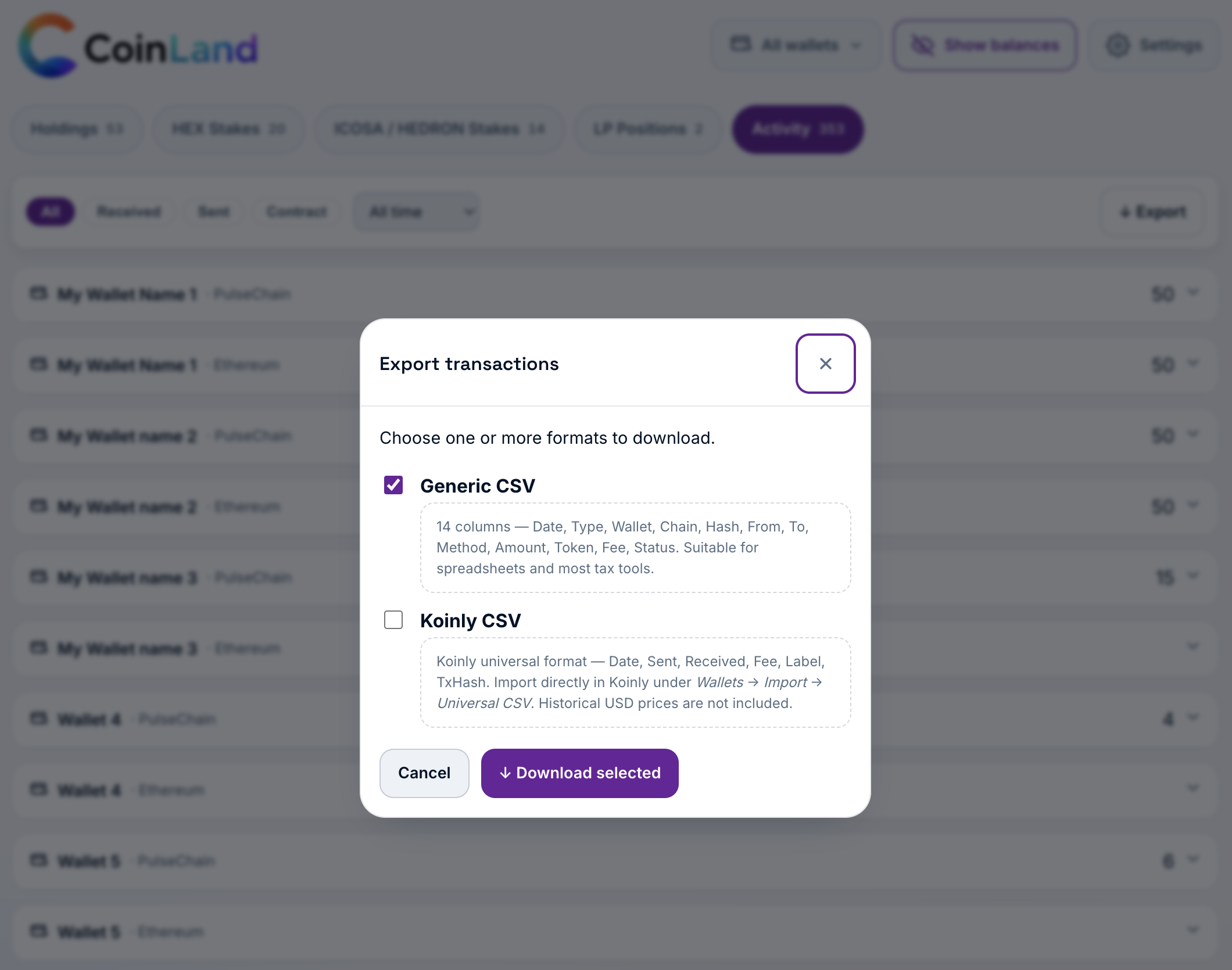
Yes - export your transaction history as a Generic CSV or a Koinly-formatted CSV directly from the Activity tab, ready to import into your tax tool of choice.
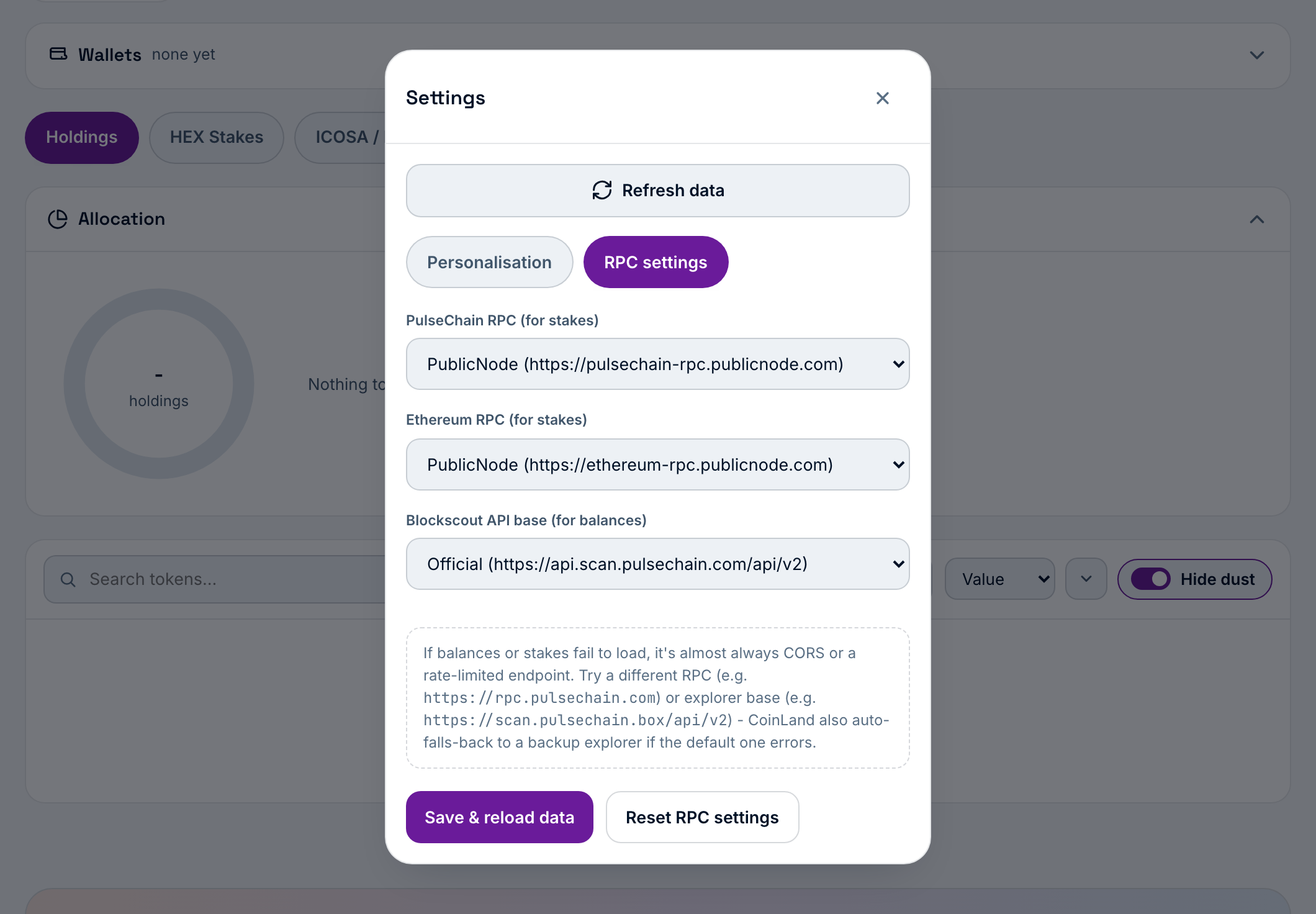
Can I use my own RPC endpoint? Choose a PulseChain or Ethereum RPC endpoint from the dropdown, or set your own custom RPC, under Settings -> RPC settings
Yes - under Settings -> RPC settings you can pick a known-good PulseChain or Ethereum RPC endpoint from the dropdown, or choose "Other" to set your own custom RPC URL, with automatic fallback to the default if yours is unavailable. Useful if you run your own node or hit rate limits on the public one.

Install & usage

Can I install CoinLand as an app?
Yes - it’s a PWA (Progressive Web App), so you can install it to your phone or desktop home screen and open it like a native app, no app store needed.
Does it work on mobile?
Yes - the dashboard is built to work anywhere you install it, phone or desktop.
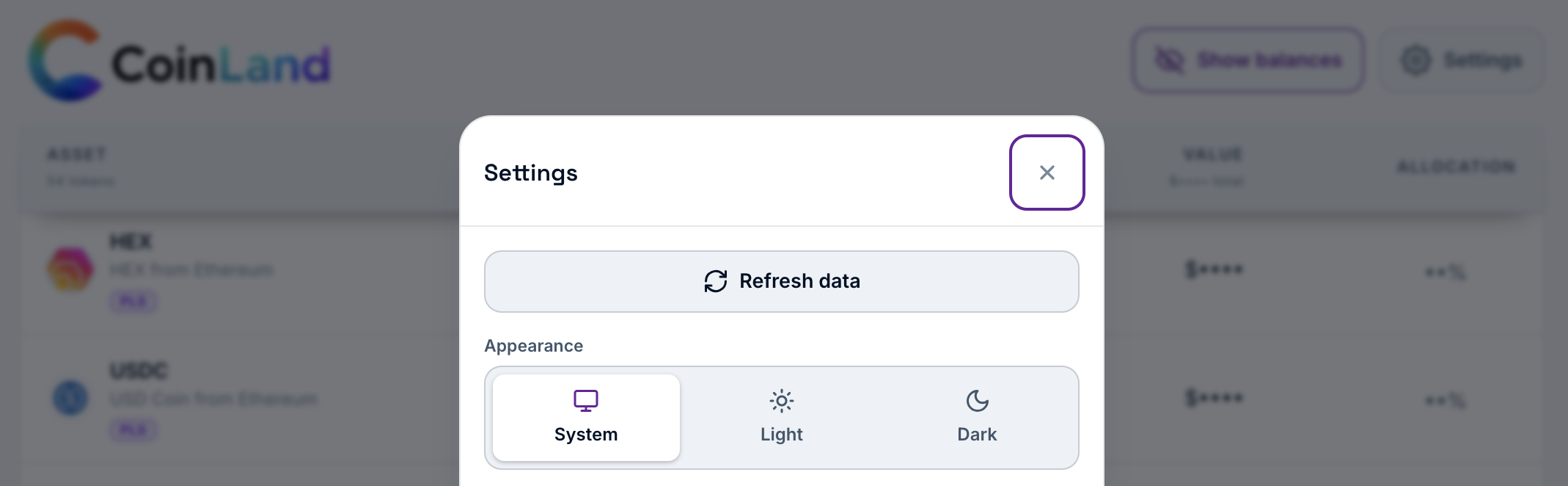
How often do prices update? Prices and balances refresh the dashboard when you open the Application or click Refresh data(Under Settings)
Prices and balances refresh the dashboard when you open the Application or click Refresh data (under Settings), so you’re looking at live data each visit.